Vertical Real Estate Video: Planning Reels, TikTok and Shorts
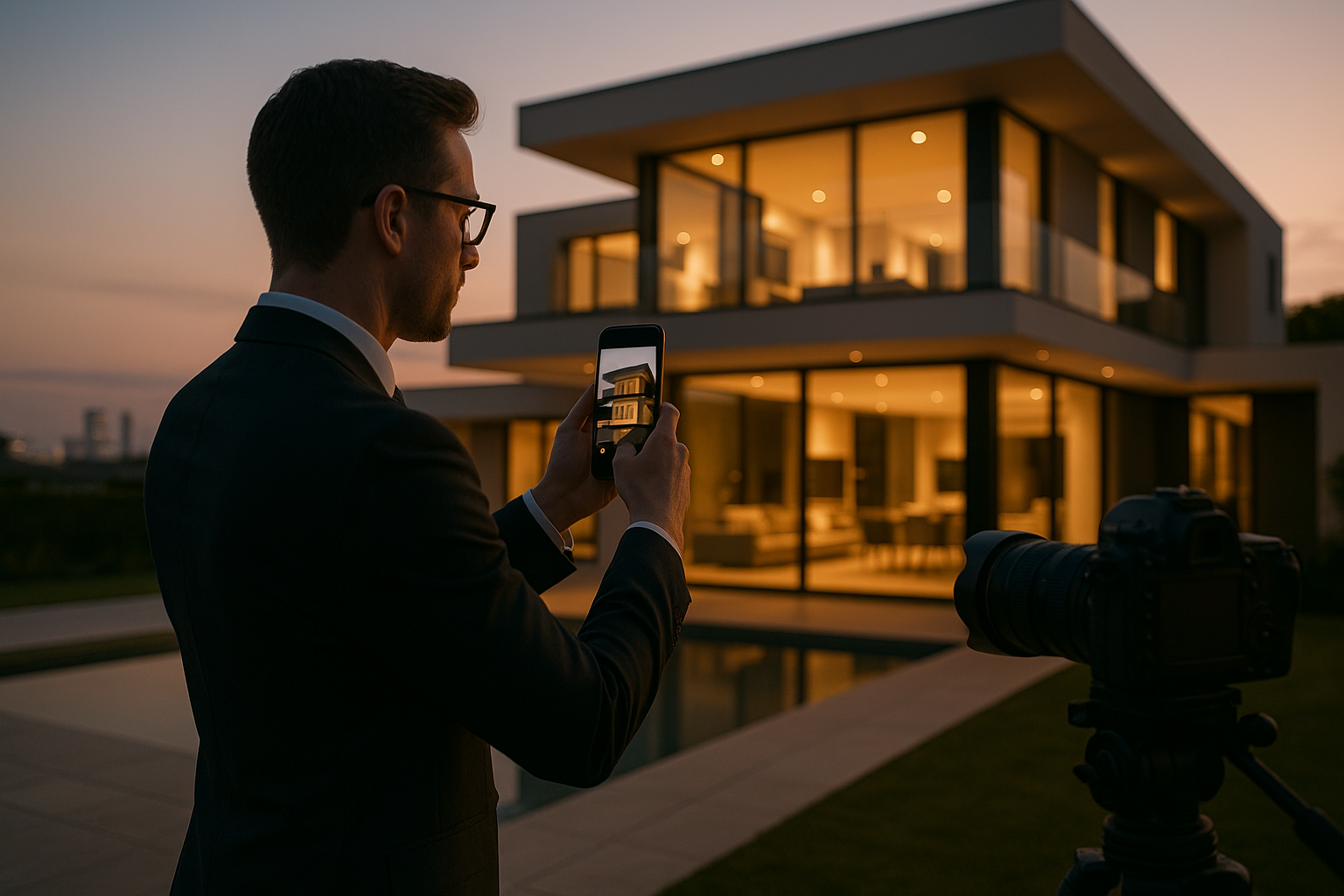
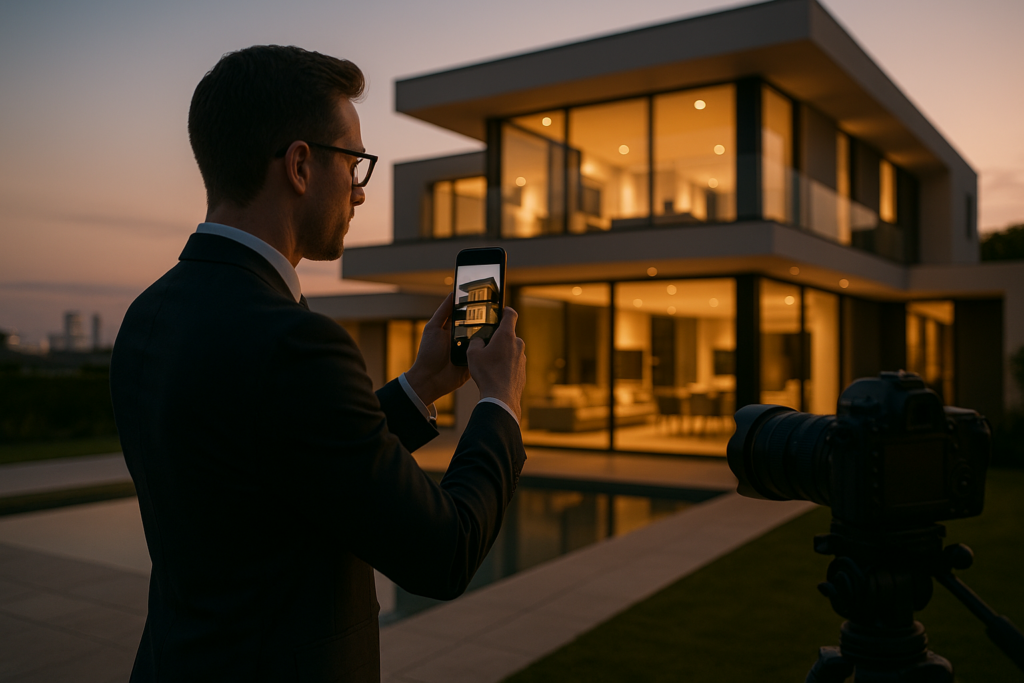
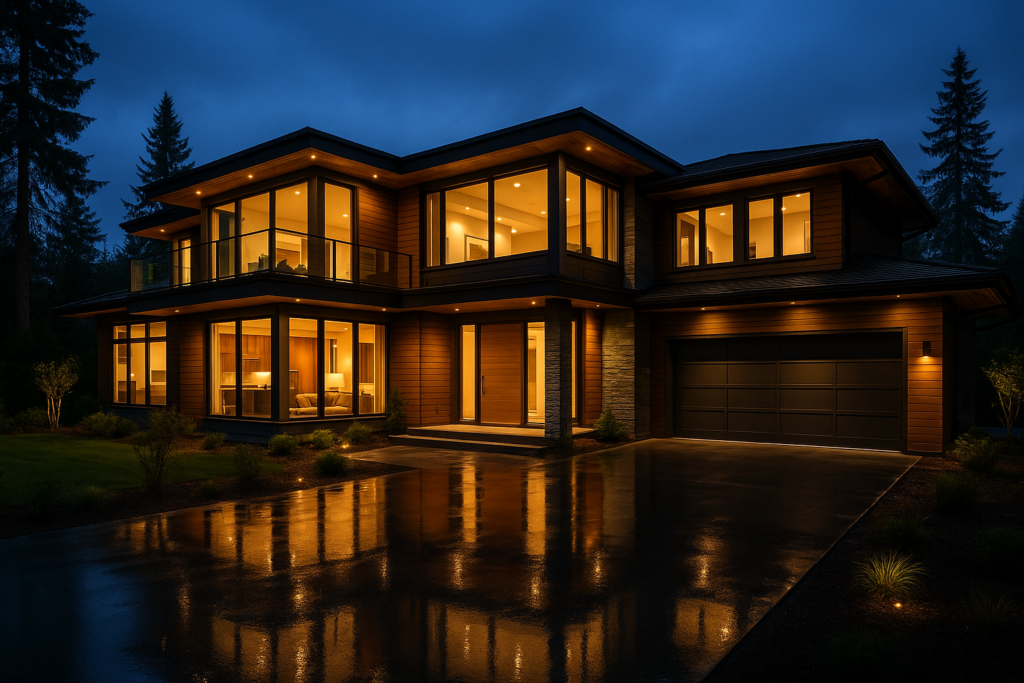
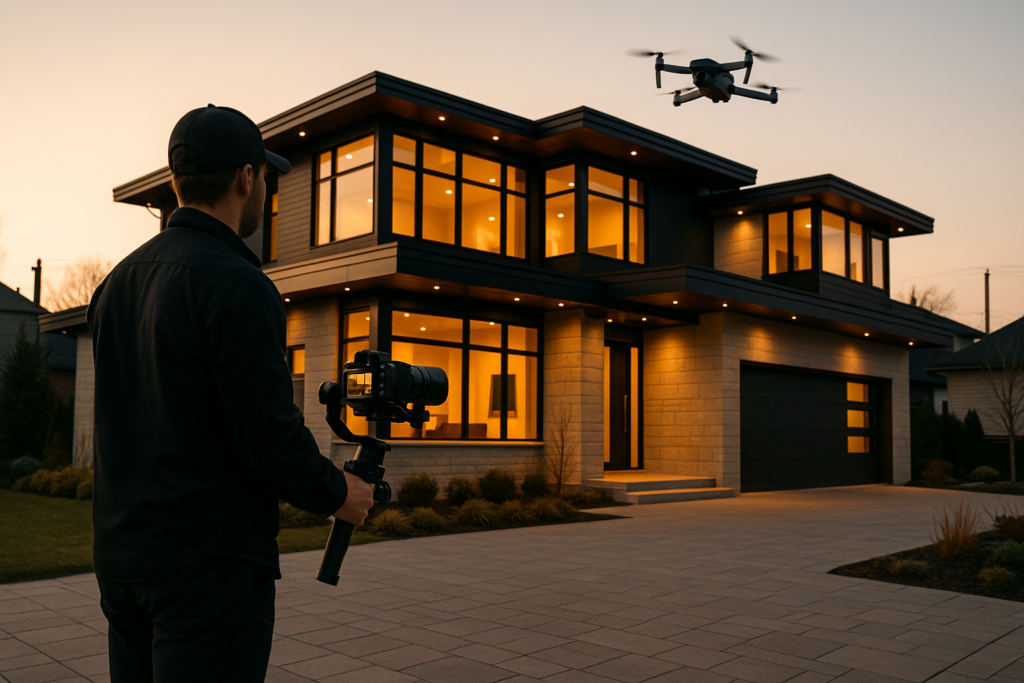
A vertical real estate video needs to explain a property within a narrow frame. Simply cropping a wide walkthrough can remove the feature you wanted to show. Plan the vertical version before filming so the shots, captions and sequence work together for a viewer watching on a phone.
Give each edit a clear purpose
A short tour can introduce the layout; a feature clip can explain the outdoor space, kitchen or another selling point. An agent-led video may add context in the agent’s own words. Choose the purpose before deciding the length.
Use a factual opening that the footage can support. Examples include “A look at the kitchen and family room” or “How the main floor connects to the backyard.” If you mention a price, location or specification, verify that it matches the current listing.
Compose for a vertical frame
For a 9:16 edit, think about what remains visible above, below and beside the subject. A doorway, island or stairwell can help orient the viewer, but a tight composition should not imply a different layout or room size.
- Capture an establishing view before moving into details.
- Leave suitable space for any planned text or captions.
- Keep important features clear of interface overlays in the final preview.
- Use camera movement that helps explain the space rather than obscuring it.
Our listing video guide helps identify the coverage needed for the property as a whole.
Build a sequence that stays understandable
Show the relationship between spaces when that matters to the viewer. A collection of disconnected close-ups may look attractive while leaving the layout unclear. Alternate wider context with details that answer a specific question.
Use captions to support spoken information and check names, figures and punctuation. Preview the exported file on a phone rather than relying only on the editing monitor.
Agree on sound, versions and permissions
Discuss whether the video uses an agent presentation, narration, natural sound or music. Confirm that any audio and visible people are suitable for the intended publication and advertising use. Availability of a track in one context should not be treated as permission for every use.
Specify the required branded or unbranded versions, lengths and destinations before production. The video service options and photo and video packages have different scopes; a vertical edit is included only where the agreed deliverables say so.
Publish and learn from relevant results
Check each platform’s current upload requirements and preview the post before publishing. Keep the caption’s property information current and link viewers to a useful next step where the platform allows it.
Assess performance against the purpose of the edit. Relevant questions, listing-page visits and enquiries can be more informative than view count alone. No posting schedule guarantees local recognition or a sale.
Frequently asked questions
Does the agent need to appear on camera?
No. The property can carry the story. Include an agent when their explanation adds useful context and the appearance is part of the agreed scope.
Can the same footage support multiple platforms?
Often, if planned that way. Check cropping, text, sound permissions and current technical requirements for each destination rather than assuming one file fits every use.
Ready to tell your story on camera?
Photography and video for Toronto and the GTA. Review the service scope and delivery timing before booking.