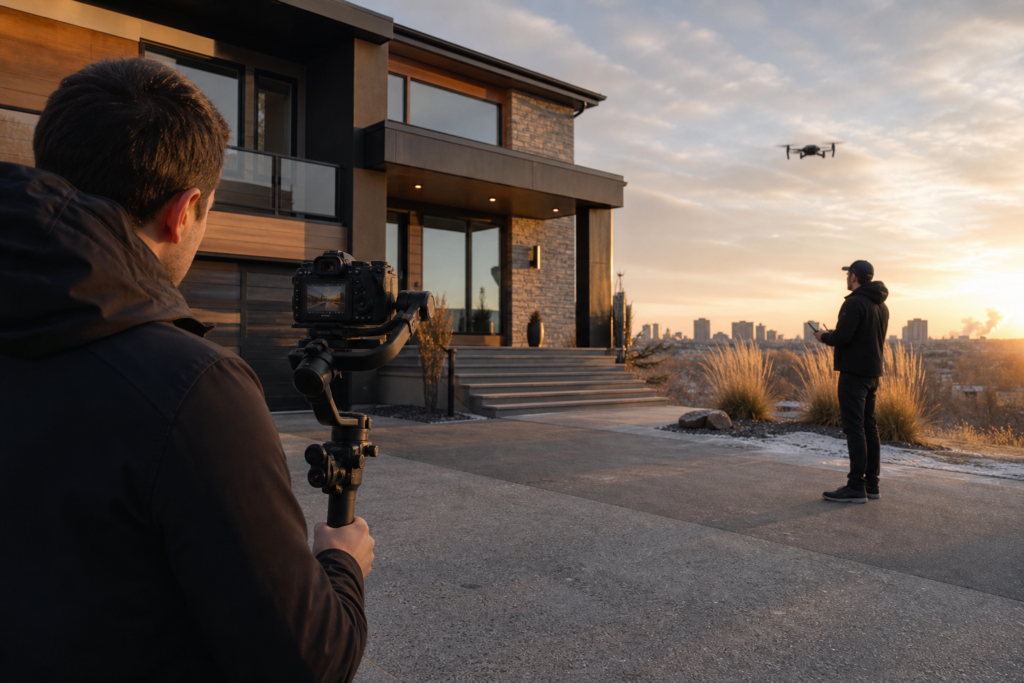
Listing Media for Remote Buyers: Photos, Video and Floor Plans
Remote buyers need media that helps them understand the property before deciding whether to arrange a visit. A beautiful room photograph and an atmospheric video can both be useful, but they do not automatically explain how the home fits together. Plan the gallery, walkthrough and floor plan as complementary references.
Give each asset a defined purpose
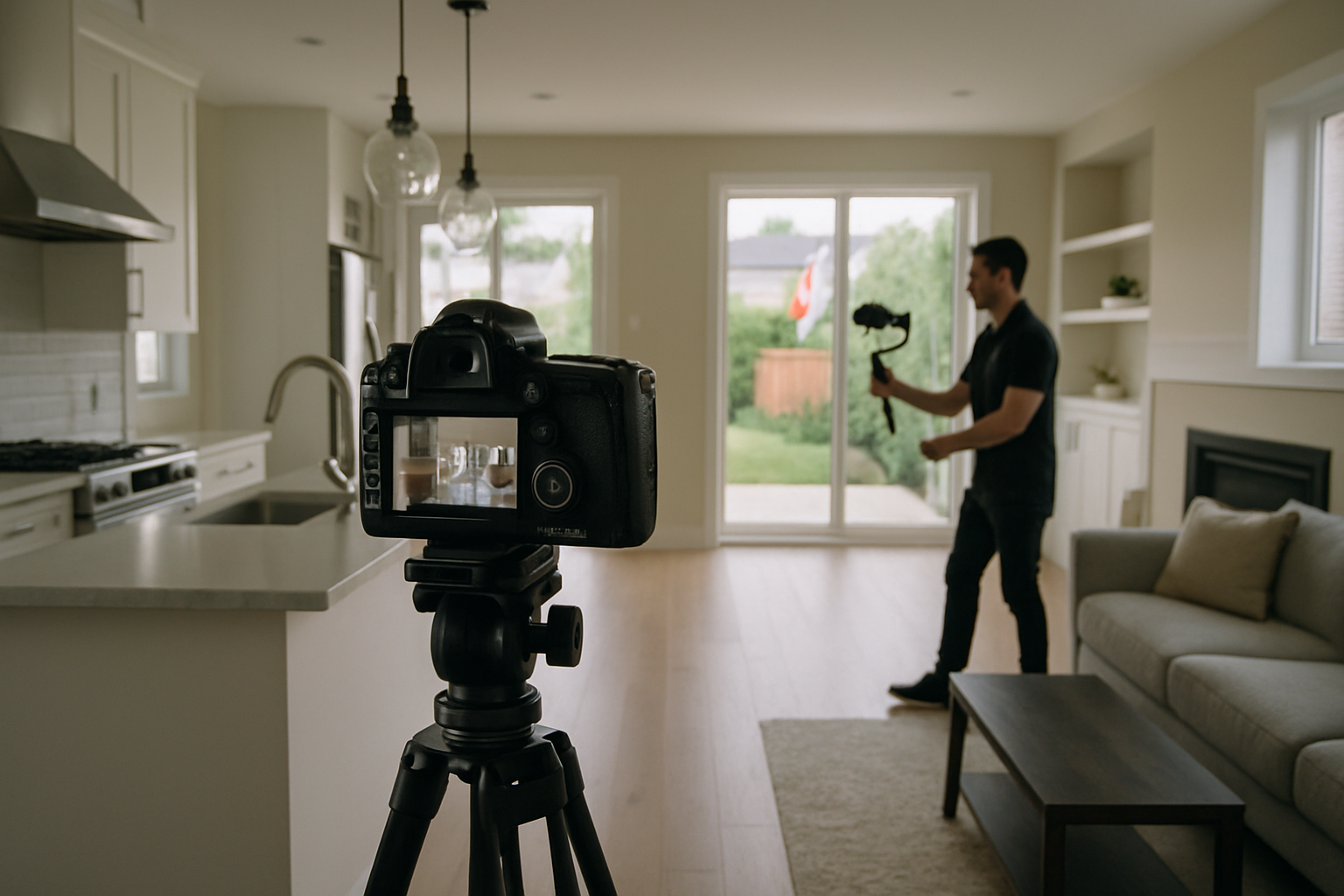
Use photography for clear views of rooms, finishes and exterior areas. Use filmed transitions to explain circulation: where the entrance leads, how a staircase connects floors, and how indoor spaces connect to a balcony or yard. Use a verified floor plan for room positions and stated dimensions. None of these replaces a viewing, inspection or the buyer’s own due diligence.
A photo-based or AI-assisted video is a different deliverable from an on-site walkthrough. It may provide a presentation format, but invented camera movement should not be treated as evidence of room connections. Identify the production approach before ordering it.
Create a route the viewer can follow
- Start at a recognizable entrance or main living area.
- Show the connection between living, dining and kitchen spaces.
- Make floor changes understandable with a brief staircase or landing sequence.
- Identify separate entrances and secondary spaces accurately.
- Connect the main interior to the exterior feature that matters to the listing.
For a split-level home, a short explanatory sequence may be more useful than additional decorative close-ups. For a condo, include the actual unit entrance and balcony relationship when access permits. Label shared amenities clearly so they cannot be mistaken for private rooms.
Keep the coverage factual
Check window views, ceiling proportions, lighting and colour against the property. Avoid cuts that imply two rooms are connected when they are not. If you include neighbourhood footage, distinguish it from the grounds and verify any distance statement separately.
Virtual staging or other material alterations need clear treatment under the applicable listing and brokerage requirements. Keep an accurate reference available and do not change permanent architecture or remove property conditions to mislead viewers. A final review should focus on what a buyer could reasonably infer from the media.
Make the files usable from a distance
- Use consistent room labels across the gallery, captions and floor plan.
- Include readable captions for spoken explanations.
- Confirm that shared links work without an account when intended for public viewing.
- Check playback and image legibility on a phone.
- State what is omitted, such as an inaccessible room or an amenity that could not be filmed.
- Provide a clear route to the listing contact for unanswered questions.
Review the package with the buyer’s questions in mind
Ask someone unfamiliar with the home to follow the sequence and describe the layout. If they cannot locate a staircase, distinguish a suite or identify the outdoor access, revise the presentation before adding more effects. This is a clarity check, not a prediction of sales speed.
For the broader format decision, see photography versus video. For a Toronto or GTA listing, compare the current photography and video services and confirm the exact coverage required.
Ready to tell your story on camera?
Photography and video for Toronto and the GTA. Review the service scope and delivery timing before booking.